Phasmophobia Getting Started: New Player Guides
Key points
- Four guides for new players: how to play, platforms and price, difficulty, and the achievements list.
- Not bought it yet? The platforms page has the Steam price, PC specs and the console and crossplay situation.
- Just installed? Run Training, then read how to play for the keys and the media limits.
- Each guide cites the official post or Steam page behind every number, with the date of the statement.
Phasmophobia leaves a lot for you to work out. You get a truck, a set of equipment, a dark location and a Journal, and the rest is up to you and whoever is on voice chat. The four guides in this section cover what the developer has put in writing about the basics, so you start with facts and not with half-remembered advice from 2021.
Pick a guide by question
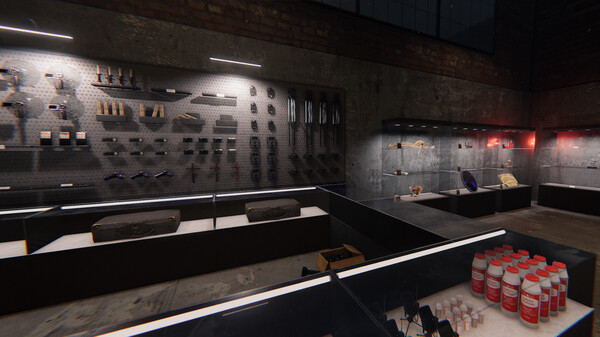
How to Play Phasmophobia: A 2026 Beginner's Guide
How to play Phasmophobia in 2026: what a contract is, the Training mission, default keys, photo, video and sound limits, dying, and level gates.
v0.19.1.0Phasmophobia Platforms, Price and PC Requirements
Phasmophobia costs $19.99 on Steam (US). Platforms, crossplay, VR support, minimum and recommended PC specs, Steam Deck test results and the Switch 2 plan.
v0.19.1.0Phasmophobia Difficulty and Custom Difficulty Guide
Phasmophobia difficulty from official patch notes: five default modes, Custom Difficulty options, the 15x reward cap set in February 2023, and 0x games.
v0.19.1.0All 54 Phasmophobia Achievements and Unlock Rates
All 54 Phasmophobia Steam achievements with the exact requirement text and global unlock rates, the six with hidden text, and why 0x custom games do not count.
v0.19.1.0
Quick answers before you pick a page
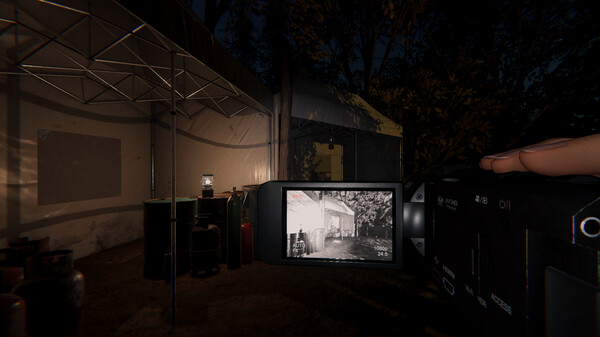
- Is it solo or co-op? Both. Steam lists single-player and online co-op, and the store page says up to 4 players. The solo quality-of-life changes are in how to play.
- Do you need a microphone? The store page advertises full voice recognition, and the patch notes describe a text mode as well. Console setup steps are in the same guide.
- Which difficulty first? The developer labels Amateur "Recommended for new Ghost Hunters!". The trade-offs of each mode are on the difficulty page.
- Can PC and console friends play together? Yes, crossplay is optional and updates ship on all platforms together; see platforms and price.
- Do 0x custom games count for achievements? No: since August 2026 they "will no longer contribute towards any progress, such as achievements and leaflets". The details are on the achievements page.
What these guides leave out, and why
You will not find an evidence chart for every ghost, hunt thresholds or equipment statistics here yet. The developer's posts give those only in fragments, and the latest new ghost, the Deildegast, was announced by name only. Community wikis fill that gap, and we would rather add those tables after checking them in game than repeat numbers we cannot trace to a source.
What the developer does publish is more than most players realise: unlock levels, media limits, reward rules, default keybinds and nearly every change made in 2026. That is the material these pages are built from.
Where to go after the basics
Once contracts feel routine, the questions change from "how does this work" to "what changed this month". That is the job of the Updates & Events section: the 2026 patch timeline, the roadmap to 1.0, the Crimson Eye event and the Twitch Drop schedule.
Scope
These guides describe the Steam version at v0.19.1.0, with console notes where the developer has given them. Rules quoted from older patch notes are dated, because a 2022 number is not a 2026 promise. This hub is unofficial and not affiliated with Kinetic Games.
Sources
The mechanics and numbers in this guide come from the material below. Open the original pages to check them yourself.
- S001 store.steampowered.com store.steampowered.com Accessed
- S002 store.steampowered.com store.steampowered.com Accessed
- S003 www.kineticgames.co.uk www.kineticgames.co.uk Accessed
- S004 www.kineticgames.co.uk www.kineticgames.co.uk Accessed
- S005 www.kineticgames.co.uk www.kineticgames.co.uk Accessed
- S006 www.kineticgames.co.uk www.kineticgames.co.uk Accessed
- S007 www.kineticgames.co.uk www.kineticgames.co.uk Accessed
- S008 store.steampowered.com store.steampowered.com Accessed
- S009 steamcommunity.com steamcommunity.com Accessed