+1 Mog Evolution Beginner Guides: Where to Start Playing
Key points
- Four guides for your first sessions: how to play, progression, updates and the official community.
- Start with how to play; it is built line by line from the developer's own description.
- Every number on these pages comes from Roblox's official data and carries its check date.
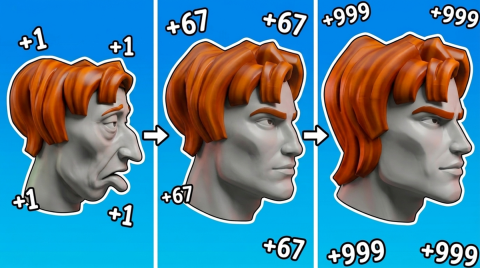
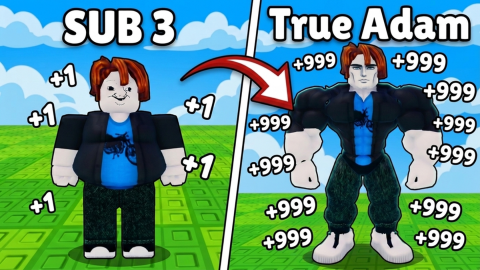
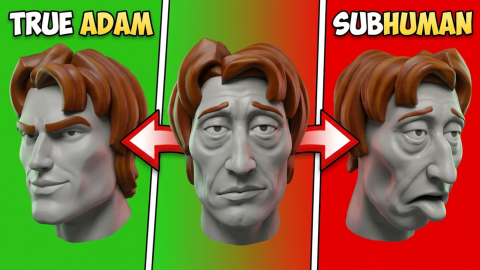
New to +1 Mog Evolution? Read how to play first: it explains clicking for Appeal, the Bonesmash hammer, Wins and the True Adam leaderboard. Then read the progression guide for Rebirth, Ascend and Worlds, check the updates page for this week's event, and the community page for codes and the official group.
The developer's own description of the game is four short lines. These guides expand each line with what Navoj Mog has written elsewhere on Roblox, mainly in the descriptions of its 43 store items, and they say clearly where the official information stops.
Which guide answers your question?
| Your question | Read this |
|---|---|
| What do I actually do in this game? | How to play |
| What are Rebirth, Ascend, Stages and Worlds? | Progression guide |
| When is Admin Abuse, and what changed recently? | Updates and events |
| Are there codes? Is there a Discord? | Codes, group and Discord |
How to Play +1 Mog Evolution: Clicks, Hammer and Wins
How to play +1 Mog Evolution: what clicking for Appeal, the Bonesmash hammer, Wins, Ascend and the True Adam leaderboard mean, using the developer's own words.
v2026-09-30 update+1 Mog Evolution Rebirth, Ascend, Wins and Worlds Guide
How progress works in +1 Mog Evolution: Rebirth and its level cap, Ascend and bodies, Wins, Stage teleports and Worlds 2 and 3, plus what each Robux skip costs.
v2026-09-30 update+1 Mog Evolution Updates: Admin Abuse, World 3, Ranked
+1 Mog Evolution update history from official Roblox data: Admin Abuse & Update 4 times, when World 2 and World 3 arrived, the Ranked place and the test copy.
v2026-09-30 update+1 Mog Evolution Codes, Group, Discord and Test Server
Are there +1 Mog Evolution codes? Why we list none, the official Navoj Mog Roblox group, Discord and Trello status, the [TESTING] copy and script risks.
v2026-09-30 update
What should you do in your first session?
Our suggestion, using only what the developer has published: click steadily and upgrade your hammer whenever the game lets you, since the description promises more Appeal from Bonesmash. Keep an eye on your level, because Rebirth needs you to reach the level cap. Collect Wins, since they are what lets you ascend into the next body. Once you have Robux to spare, the Appeal guide shows which boosts give the most for the price.
What these guides do not cover yet
There is no body tier list, no Appeal calculator and no Ranked guide, because the numbers they need are not published anywhere official. When the developer or the game's own screens confirm them, we will add them here.